3D resource pack · English edition October 10, 2026
5 Free Animated 3D Scenes for Your Website
Start with an editable scene instead of a fixed render or an unlit model. This pack contains five Spline projects with objects, lighting, cameras, and animation already arranged. Customize a copy, then choose an interactive web export, a model export, or a rendered image or video.
Preview the five scenes
The images below are previews of the projects. A live preview connects to Spline only when you press its button; stop it to return to the image. Preview loading and interaction depend on the remote service and your device.
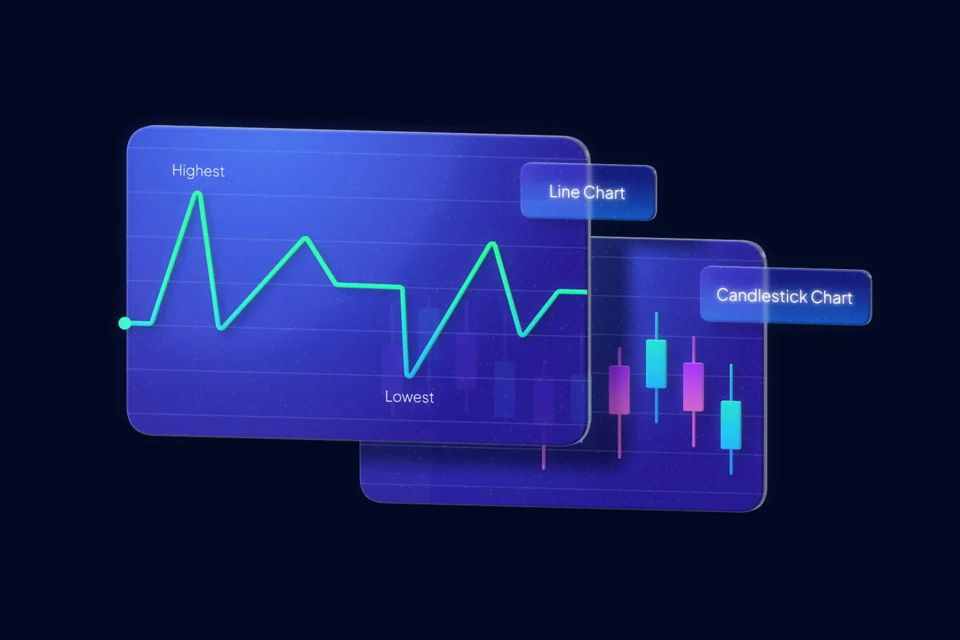
graficas-de-datos.splineStatic preview. Live scene not requested.

contratacion-de-personal.splineStatic preview. Live scene not requested.

anuncio-con-megafono.splineStatic preview. Live scene not requested.

mapa-de-navegacion.splineStatic preview. Live scene not requested.

fantasmas-de-halloween.splineStatic preview. Live scene not requested.
Choose by purpose: data charts for dashboards and results; recruitment for hiring pages; a megaphone for announcements; a navigation map for coverage or contact pages; and Halloween ghosts for a seasonal campaign.
The original video demonstration is in Spanish.
What is a Spline project?
A .spline file is editable source for Spline, not a rendered picture. It contains the scene structure so you can change materials, lights, camera framing, text, or animation. Open Spline and import a copy. The model construction is already done, but you still need to learn the controls relevant to your changes.
What's in the ZIP?
- Five .spline projects in
escenas/, with original Spanish filenames. - Five PNG cover images, 1920 px wide, in
portadas/. - A Spanish LEEME.txt with opening and export guidance. This English page is separate from that unchanged archive.
The source guide records a ZIP of approximately 6.7 MB, mainly cover images, and editable scenes around 32–44 KB each. These are documented source figures, not a new measurement of the remote ZIP. They do not predict the size or speed of a published web scene.
Download the five-scene pack
Download the five-scene pack (ZIP) ↗
The archive is hosted on MediaFire. Lienzo does not require registration or an email for access; the file host may show its own download steps or advertising. Review the usage terms before taking a scene into paid work.
A render and a scene solve different problems
A render is a finished image with colors, shadows, and framing already chosen. An editable scene lets you change the material to a brand color, move the camera for a vertical crop, or revise the animation. Keep the original project as a master and save client changes in a duplicate.
From the project to a web page
- Open the selected .spline project in the editor.
- Adjust materials, text, camera, and animation for your page.
- Use Play to check the result.
- Use the web export option appropriate to your project and account. Follow the generated integration rather than treating the editable project as a web page.
For a canvas-based workflow, read embedding Spline without an iframe. A locally served scene can still need a remote runtime. Logo visibility and available export options remain subject to Spline's current conditions.
Choose interactive scene, 3D model, or render
Keep a web scene when the interaction helps explain your message. For another 3D viewer, inspect a GLB or glTF export. For a static header, use a render instead of loading an interactive player.
GLB does not preserve all Spline features: states, events, and physics do not transfer; supported timeline animation is limited to position, rotation, and scale. Materials and textures have limits too. Check the official GLB export documentation and inspect the result in the destination viewer. The pack does not include newly verified GLB conversions.
An example with explicit load and stop controls
The reusable example uses the data-charts scene from this pack. It reserves a 16:10 area, creates the iframe only after the visitor presses Load, and removes it on Stop.
Open the English example · Download the example HTML
Replace the published Spline URL and iframe title for your own scene. Check Network before and after loading: the example should not request Spline resources before the click. Measure exported scene, textures, and runtime with cache disabled. Removing the iframe stops that embedded player; it is not a pause-and-resume of its exact state.
Before publishing
- Choose a single scene for the message rather than loading all five together.
- Test framing, text readability, scroll, and touch on a real phone.
- Preserve the original project and offer a static image if live rendering is unnecessary or unavailable.
Credits and usage terms
Download the English credits and conditions (.txt). Keep this documentation with the resource.
Creative collaboration: Jorge Andrés Arias García / Lienzo with MD Estudio Creativo · Creativo Marketing Digital. Distribution: Lienzo. Authorization to distribute is declared by the site operator; this translation does not certify new permissions or remove other owners' rights.
Consult the usage terms and origin and attribution, and preserve included notices. Share this guide rather than uploading the files as another pack. Spline's software and export conditions apply separately.
If you believe a file infringes your rights, email contacto@lienzo.tools with the article and filename. I remove the material while reviewing the case, within 48 to 72 hours.
Frequently asked questions
Do I need to model the objects myself?
No. The source projects are already arranged, lit, and animated. Customize a copy in Spline. Available export features depend on your current account.
Are the downloaded files web-ready GLB models?
No. This pack contains editable .spline projects, cover images, and Spanish documentation. Export and inspect a GLB separately if your workflow requires that format.
Can I use a scene in professional work?
Consult the Lienzo resource terms and preserve individual authorship notices. The site operator declares authorization to distribute the collaborative work. This English documentation does not establish new rights or remove Spline's own export conditions.
Continue with the eight web development scenes, VR and AR icons, or palette generator.