3D resource pack · English edition October 10, 2026
8 Free Web Development 3D Scenes
Download only the object you need: a speedometer, SEO chart, login screen, search bar, VPN symbol, advertising scene, activity history, or optimization gears. Each editable Spline scene is available in its own ZIP, with a complete pack if you want the individual scenes and the combined composition.
Preview the combined scene
The image shows the eight objects together. Load the live scene only when you want to explore it; the preview connects to Spline and can be stopped to restore the image.
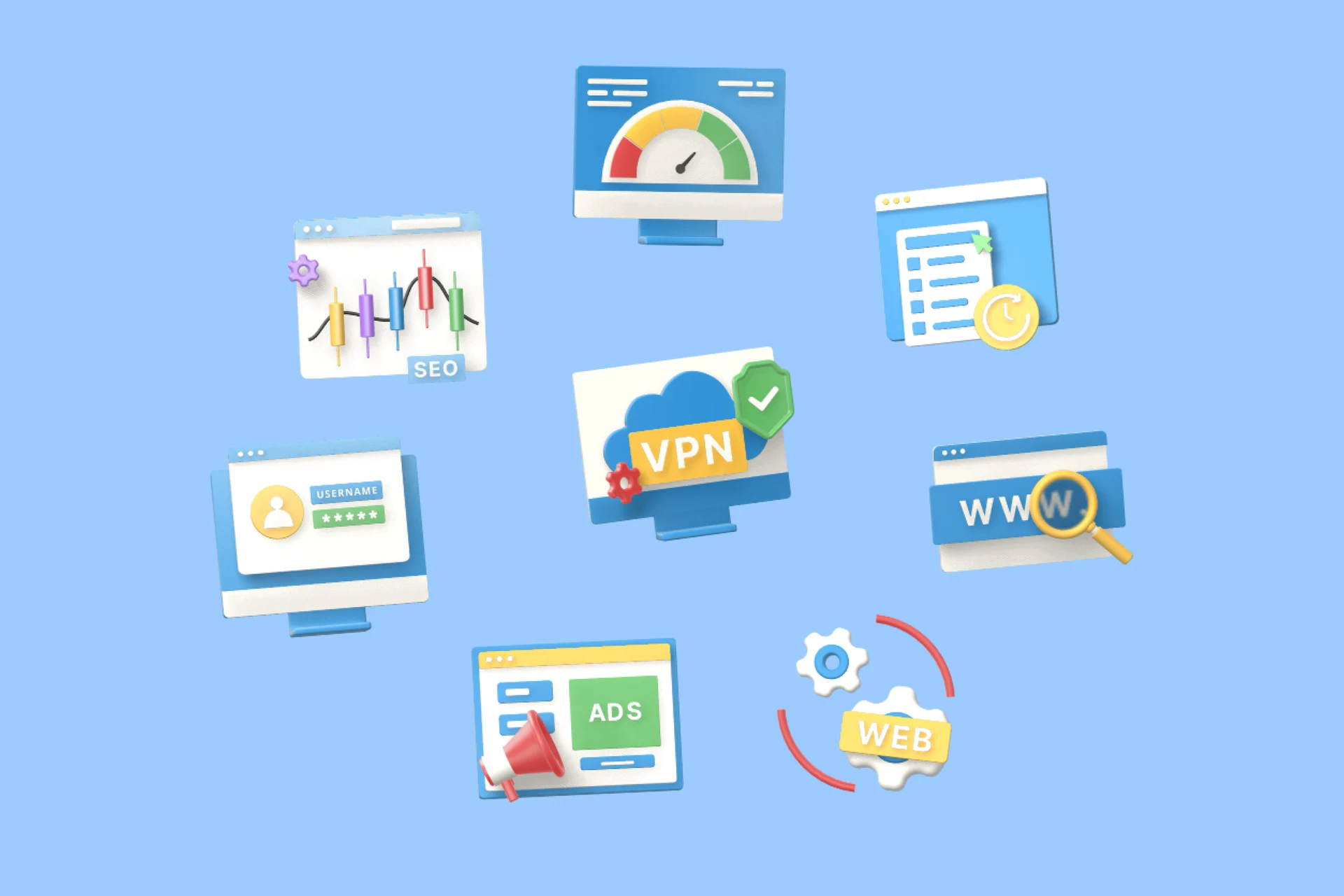
desarrollo-web.splineStatic preview. Live scene not requested.
The original video demonstration is in Spanish.
The eight pieces, one at a time
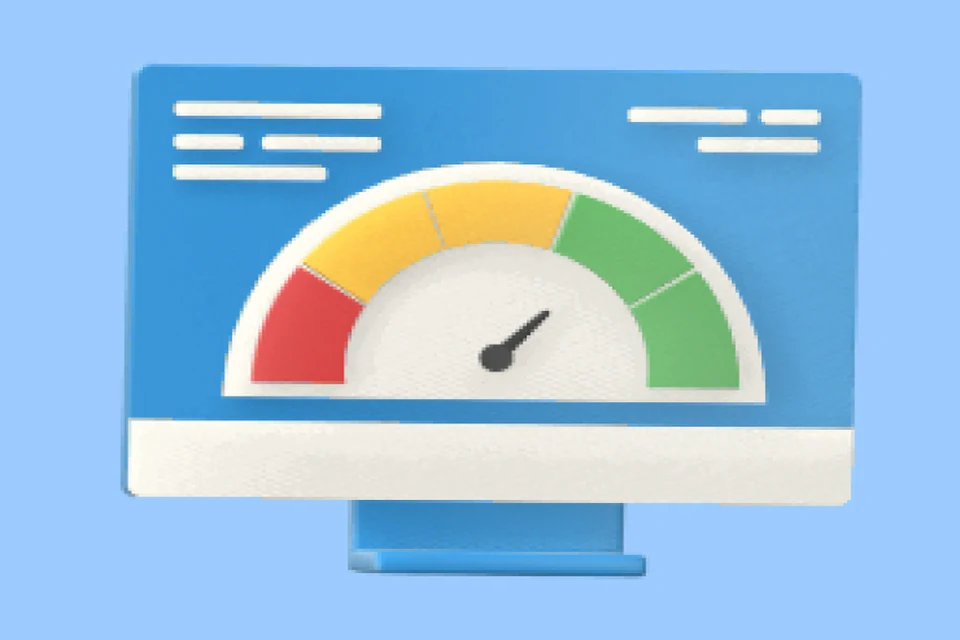
Website Speed
Performance reports, hosting pages, and speed-focused services.
Download individual ZIP ↗
SEO Chart
SEO services, analytics reports, and results dashboards.
Download individual ZIP ↗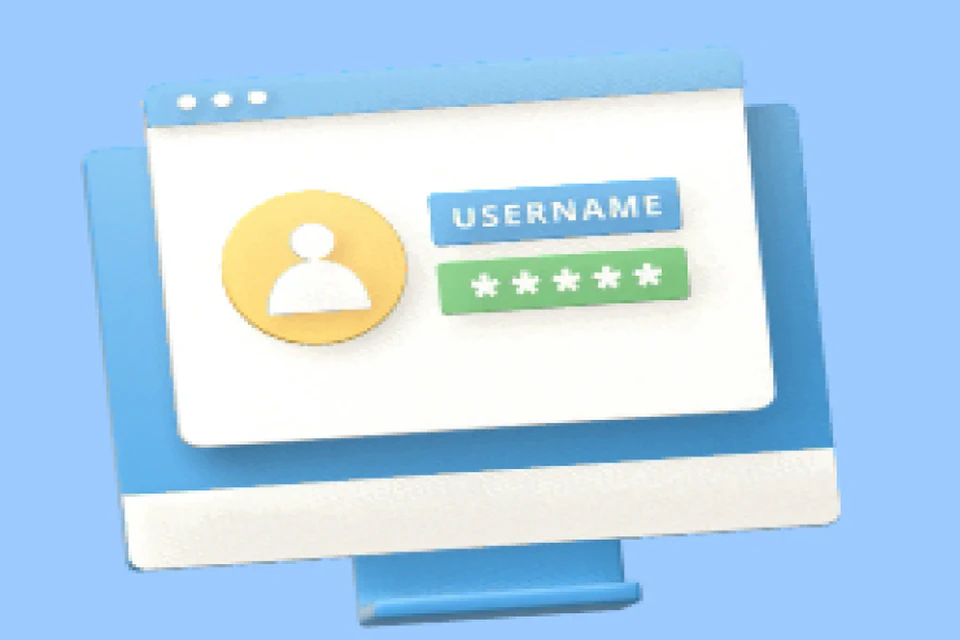
Login Screen
Sign-in screens, onboarding, and account management.
Download individual ZIP ↗
Web Search
Site search, domains, and indexing-related content.
Download individual ZIP ↗
Secure VPN
Security, privacy, and trust-related services.
Download individual ZIP ↗
Advertising
Campaigns, launches, and announcements.
Download individual ZIP ↗
Activity History
Activity logs, version history, and tracking pages.
Download individual ZIP ↗
Web Optimization
Maintenance, technical services, and optimization plans.
Download individual ZIP ↗Each individual archive contains one editable .spline scene, its WebP cover, and Spanish README and credits. The source guide records archive sizes between 32,220 and 44,757 bytes. Sizes on individual buttons are rounded source labels, not a new download measurement.
Why separate the objects?
Opening a combined composition to delete seven objects can mean navigating layers and risking changes to lighting or cameras. The source preparation separated the pieces while retaining their geometry, materials, lighting, camera, and floating motion, according to the documented checks in the original guide.
Position matters: individual objects retain their coordinates from the combined scene. An object may appear off-center when first opened. Adjust its position or camera in a copy instead of assuming the file is empty.
Download the complete pack
Download eight scenes + combined composition (ZIP) ↗
The complete ZIP includes eight individual scenes and the combined composition: nine .spline files in total, plus the combined cover and Spanish documentation. The source guide records an approximate 211 KB archive. MediaFire hosts the files and may show its own advertising or download steps.
What the editable format gives you
A Spline project contains objects, materials, lighting, cameras, and animation rather than a finished image. Change a material to a brand color, reframe for a vertical layout, or revise the motion. Keep the original as a master; a project-specific copy is easier to restore than overwritten source.
From a file to your website
- Open Spline and import the selected .spline project.
- Adapt the colors, text, materials, camera, or motion.
- Use Play to inspect the result.
- Choose the web export workflow appropriate to your project and account.
Review the current Play Settings, including renderer and page-scroll behavior, and test your target devices. See the canvas integration guide if you need an alternative to a public-page iframe. Serving a scene file yourself does not remove the runtime dependency or branding conditions.
If you need GLB instead
Export the selected piece from Spline and inspect it in your target viewer. Do not assume events, animation, lighting, and materials transfer unchanged. The five-scene guide explains the format choices and links to Spline's export limitations. These ZIPs contain editable projects, covers, and documentation; they do not contain verified GLB versions.
Combined composition or a single object?
- Define the space and purpose of the scene before changing the camera.
- For a page introducing several services, compare the combined composition against the heading. For one service card, start with its individual object.
- Publish the selected version and measure scene, textures, and runtime with cache disabled. ZIP size is not web transfer size.
- Check phone scrolling. If interaction adds little, use the object's cover or a new render instead.
Avoid eight simultaneous live viewers in a list. The load-and-stop example demonstrates lifecycle control using the data-charts scene from the other, five-scene pack; it is not a demonstration of these eight objects.
Credits and usage terms
Download the English credits and conditions (.txt). Keep this documentation with the resource.
Creative collaboration: Jorge Andrés Arias García / Lienzo with MD Estudio Creativo · Creativo Marketing Digital. Distribution: Lienzo. Authorization to distribute is declared by the site operator; this translation does not certify new permissions or remove other owners' rights.
Consult the usage terms and origin and attribution, and preserve included notices. Share this guide rather than uploading the files as another pack. Spline's software and export conditions apply separately.
If you believe a file infringes your rights, email contacto@lienzo.tools with the article and filename. I remove the material while reviewing the case, within 48 to 72 hours.
Frequently asked questions
Can I download only one scene?
Yes. Each object has a separate archive and download link. The complete ZIP is an alternative containing the eight individual scenes plus the combined scene.
Do individual scenes keep their animation?
The original preparation guide states that each keeps its camera, lighting, and floating motion. Their original coordinates may leave an object off-center; adjust its position or framing in a copy.
Can I open the project directly in another 3D viewer?
The .spline files are editable Spline projects. Use an appropriate export for another viewer and inspect it there; the pack does not include verified GLB conversions.
What conditions apply to professional use?
Read the resource-specific terms and preserve included authorship and license notices. Distribution authorization is declared by the Lienzo operator; this English guide does not certify new permissions or override Spline's export conditions.
Explore the five-scene pack, VR and AR icons, and free resource catalog.